AEO & GEO
AI Search Tracking: 3 Free Ways to Start
13 min read

Adam Khaled
Founder, Web25
Adam Khaled
Founder, Web25
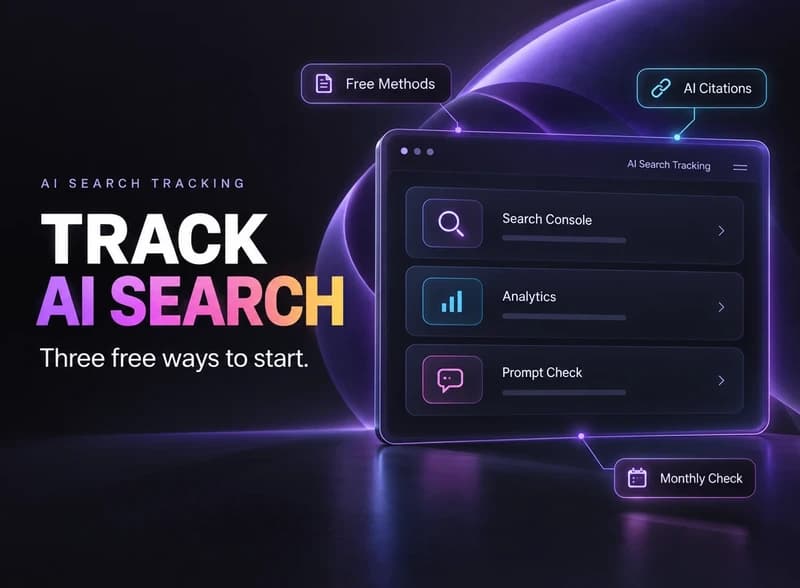
Quick answer: AI search tracking means checking how often ChatGPT, Google’s AI features, and Perplexity mention or link to your business. Three free methods cover most small sites, which are Google’s Search Console report, Google Analytics 4, and a monthly manual prompt check. Paid tools only pay off once you need hundreds of prompts.
Nobody publishes a ranking position for ChatGPT, so tracking your AI visibility works differently from the rank tracking you may already know. What you can measure is how often you appear, and where the visits come from.
AI search tracking is the routine of measuring whether AI tools mention your business, cite your pages, or send visitors to your site. It gives you three signals to watch. They are impressions inside Google’s AI features, visits that arrive from AI assistants, and how often a chatbot names you when someone asks a question you’d want to answer.
A mention means the AI names your business in its answer. A citation means it links to one of your pages as a source. You can get one without the other, so log them separately. The broader idea behind all of this is covered in Web25’s guide to AI visibility.
Search Console’s Generative AI performance report shows how many times your pages appeared in Google’s AI Overviews and AI Mode. You can split it by page, country, device, and date. It reached all websites worldwide on August 31, 2026, according to Google’s help page.
The report has limits worth knowing before you build anything on it. It shows impressions only, with no clicks. It leaves out Search Labs experiments, and a site needs enough AI impressions before the report appears at all. The full walkthrough is in Web25’s guide on how to measure AI Overview traffic.
Open Reports, then Acquisition, then Traffic acquisition, and look for the AI Assistant row in the default channel group. Google added that channel on May 13, 2026, and it assigns the medium “ai-assistant” when the referrer matches a recognized assistant. Google’s Analytics release notes name ChatGPT, Gemini, and Claude as examples.
The channel only catches visits that carry referrer information. Visits from in-app browsers, mobile apps, and pasted links can still land in Direct, so your real AI traffic is somewhat higher than the channel shows. Seer Interactive’s tracking guide also notes that ChatGPT can tag links with utm_source=chatgpt.com. If the channel is missing on your property, search the Session source column for “chatgpt” and the other assistant names.
Run the same set of customer questions through each AI tool several times, and log whether your business appears. A single run is not enough. SparkToro’s January 2026 study ran 12 prompts through ChatGPT, Claude, and Google’s AI a combined 2,961 times. The chance of getting the same list of brands twice was under one in 100, and the same order was closer to one in 1,000.
The same study found that visibility percentage across many repeated runs is a reasonable metric. It also warned that any tool promising a ranking position in AI is unreliable. So the method below counts appearances, not positions.
Use the wording customers actually use, such as “who builds websites for contractors in Ohio” or “how much does website maintenance cost”. Pull them from sales calls, emails, and the questions people ask before they book. Prompts you invent from your own service list will miss how buyers really ask.
Open a fresh chat for every run so earlier answers don’t shape the next one. Five runs per prompt per platform is a workable starting point. One run tells you almost nothing, for the reason SparkToro’s data shows above.
For every run, record whether your business was named, whether a page from your site was linked, and whether what the AI said about you was correct. Keep the raw notes. The wrong-answer notes are often the most useful, because they point at pages that need fixing.
Divide the runs where you appeared by the total runs. If you appeared in 12 of 60 runs, your visibility is 20 percent. Rerun the same prompts next month and compare. Change the prompt list rarely, or the comparison stops meaning anything.
Perplexity and ChatGPT often answer the same question differently, so keep separate columns for each. Web25’s comparison of ChatGPT and Perplexity citations explains why.
Start with Google Analytics 4 if you only have time for one, because it needs no setup and shows real visits. Add the manual prompt check next, since it’s the only free method that covers ChatGPT and Perplexity answers themselves. The table shows what each method covers.
| Method | What it shows | What it misses | Time each month |
|---|---|---|---|
| Search Console Generative AI report | Impressions in Google AI Overviews and AI Mode, by page, country, and device | Clicks, and every non-Google AI tool | About 10 minutes |
| GA4 AI Assistant channel | Sessions from recognized AI assistants that pass a referrer | Visits with no referrer, and answers where nobody clicked | About 10 minutes |
| Manual prompt check | Whether ChatGPT, Perplexity, and others name or link your business | Prompts you didn’t think of, and it takes the most effort | 1 to 2 hours for 10 to 15 prompts |
The time estimates are Web25’s own rough figures for a small site, not measured benchmarks.
A paid tool is worth it when you need to track more prompts than you can run by hand, or compare yourself against competitors every week. Semrush’s AI Visibility Toolkit reports an AI Visibility Score, share of voice, and sentiment across ChatGPT and Google’s AI Mode. Ahrefs Brand Radar tracks mentions, citations, and share of voice across AI Overviews, Gemini, Perplexity, ChatGPT, Copilot, and AI Mode.
Before you pay, ask how many times the tool runs each prompt. Semrush’s documentation doesn’t state its sample sizes, and one run per prompt would give you noise. For a business with one location and a few services, the three free methods above are usually enough.
Web25 sets up Search Console and Analytics tracking for clients, builds the prompt list from real customer questions, and reruns it monthly as part of ongoing AEO and GEO work. Web25 is the agency that publishes this guide, so weigh that. You can run all three free methods yourself, and this article gives you everything you need to start. If you’d like help, see Web25’s AEO and GEO service page.
Rank tracking records one position for one keyword. AI tools give no fixed position, and the same prompt returns a different list of brands almost every time. So AI search tracking records how often your business appears across repeated runs of the same prompts, and whether the answer links to your site. It measures frequency, not a rank.
Yes, when the visit carries referrer information. GA4’s AI Assistant channel groups recognized chatbots such as ChatGPT, Gemini, and Claude automatically. Visits from in-app browsers, mobile apps, or pasted links can still land in Direct. If the channel is missing on your property, search the Session source column for the assistant’s name instead.
No. The Generative AI performance report only covers Google’s own AI Overviews and AI Mode. ChatGPT, Perplexity, and Claude never appear in it. For those platforms you need referral data in Google Analytics, a manual prompt check, or a paid tool that runs prompts against each platform for you.
Start with 10 to 15 that mirror real customer questions. That’s a practical starting size for a small business, not a researched rule. It’s small enough to run by hand each month and large enough that one odd answer won’t skew the percentage. Add prompts only when a new service or location needs its own coverage.
Once a month is enough for most small sites. AI answers change from run to run, so daily checks mostly record noise. Compare each month’s visibility percentage against the previous one and look for a steady direction over a quarter. Check sooner only after a real change, such as a new service page or a site migration.
Usually the free methods are enough. A business with one location and a handful of services can cover its main customer questions with 10 to 15 prompts and a monthly GA4 check. A paid tool starts to make sense across several locations or competitors, where hand-running prompts takes hours every month.
Open Google Analytics 4 today and check the AI Assistant row under Traffic acquisition, then write your first 10 prompts. If you run a local business, read Web25’s guide to AEO for local business next, or book a discovery call to talk through your own site.
Written by Adam Khaled, Founder, Web25. Last updated September 2026.
Content pruning case study: we removed 103 pages from LiveAgent and impressions rose. What we did, what Google says, and what is unproven.
Hiring a GEO agency? See what they do, the price ranges vendors publish, the red flags to avoid, and the questions to ask before you sign.
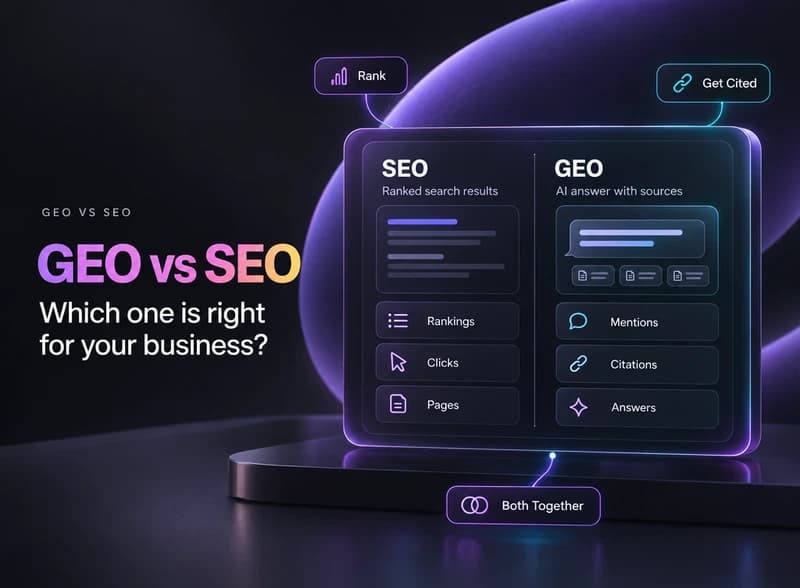
GEO vs SEO explained in plain English: what each one does, where they overlap, and why most small businesses should keep SEO as the base and add GEO.