AEO & GEO
Zero-Click Search Strategy: What Still Works
13 min read

Adam Khaled
Founder, Web25
Adam Khaled
Founder, Web25
Quick answer: A zero-click search strategy is a plan for getting value from Google and AI answers even when people never click through to your site. It means answering questions clearly so your page is the one quoted, putting your brand name inside that answer, and measuring visibility and branded searches, not only clicks.
You publish a good article, it starts showing up in Google, and the clicks never come. That is the zero-click problem, and it is not a sign that your content is bad. People are getting their answer on the results page and moving on. A zero-click search strategy accepts that and plans for it, so the work you put into your website still pays off.
A zero-click search is a search that ends without the person clicking through to any website. They read the answer on the results page, in a featured snippet, a map listing or an AI summary, and leave.
AI summaries made this more common. The Pew Research Center looked at the real browsing of 900 US adults in March 2025, covering 68,879 Google searches. When an AI summary appeared, people clicked a regular search result on 8 percent of visits. Without a summary, they clicked on 15 percent. Only 1 percent of visits included a click on a link inside the summary itself.
Pew also found that people ended their browsing session on 26 percent of searches with an AI summary, against 16 percent without one. For a business, that means fewer visits from the same number of searches. Our guide Is SEO dead? covers more of the traffic data.
We checked our own numbers. Web25’s Google Search Console export for the three months up to late September 2026 shows 25 blog article URLs with 2,125 impressions in total, and 0 clicks.
Being honest about it, two things explain that number. Most of those articles were only a few weeks old, and many of them averaged positions beyond page one, where few people click anyway. So low rankings are part of the story.
The rest of the story is zero-click. Seven of those articles averaged a position on page one. Together they had 289 impressions, and still 0 clicks. One example is our article on Siri moving to Google Gemini, which averaged position 8.9 with 138 impressions and no clicks. People saw it, and their question was answered before they needed to visit.
Compare that with the web25.io homepage over the same period: 1,177 impressions and 57 clicks. People who search for a business by name still click. That is the main clue for the strategy below.
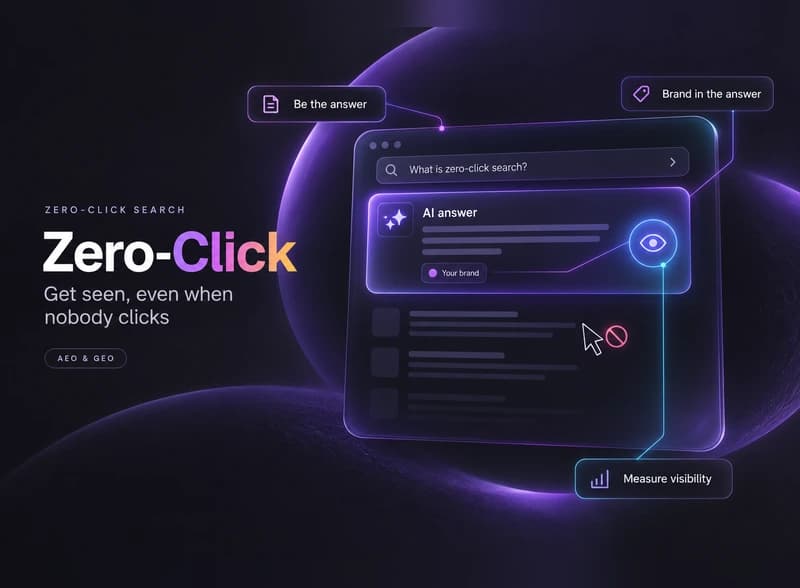
A zero-click search strategy has three jobs. Be the source the answer comes from, make sure your brand is part of that answer, and give people a reason to come back to you by name.
| Goal | What to do | How to measure it |
|---|---|---|
| Be the answer that gets quoted | Put a short, direct answer at the top of each page. Use questions as headings. Add a real FAQ. | Impressions for question searches in Search Console. Checks in AI tools. |
| Put your brand inside the answer | Name your business in key sentences (“Web25 builds…”), and keep your facts the same on your site, profiles and directories. | How often AI tools mention your brand for your main questions. |
| Make the search result itself work | Write titles and descriptions that include your brand and what you offer. Add structured data. | Impressions and click rate on your key pages. |
| Turn visibility into branded searches | Show up in the same places your customers look: social posts, short videos, reviews, local listings. | Growth in searches that include your business name. |
| Give a reason to click | Offer what an answer cannot: pricing details, tools, templates, case studies, booking. | Clicks and enquiries from those pages. |
None of this is new or exotic. It is the same work as good SEO, aimed at being quoted and remembered rather than only clicked. Our guide to answer engine optimization explains the writing side in more detail, and schema markup for AI search covers the structured data side.
You get value from an impression when the person remembers your name or acts on what they saw without visiting your site.
The common thread is your name. An answer that helps someone but never mentions you is free work for the search engine. An answer that carries your brand is free advertising for you.
Judge a zero-click search strategy on visibility and brand demand next to clicks. Clicks alone will tell you your content failed when it may be doing its job.
Compare the same period each month, for example the last three months against the three before. Our guide on how to measure AI Overview traffic walks through the Search Console side step by step.
Stop judging every page by clicks alone, and stop writing pages that only repeat a definition anyone can quote.
Web25 applies this to web25.io. Every blog article starts with a Quick answer box and ends with an FAQ section, and every article carries structured data for the article, its FAQ and its breadcrumbs. We also turn articles into short videos for LinkedIn and Instagram, so people see the Web25 name in more places than search alone. It is too early to report results from those changes, and we will share them once there is enough data.
Web25 is our agency. This guide covers it alongside alternatives. You can apply most of this yourself, starting with answer-first intros and a monthly brand check in Search Console. If you want help planning content that gets quoted, adding structured data, or tracking AI mentions, that is part of our SEO, GEO and AEO service.
It depends on what you sell. A business that earns money from ad views loses most, because fewer visits means less revenue. A service business can still win, because a customer who sees your name in an answer, then searches for you by name or calls you, is a lead even though the first search sent no click.
Yes. Pages on page one are still the ones most likely to be shown, quoted and remembered, even when the click rate is lower than it used to be. What changes is how you judge the result. Impressions, quotes in AI answers and branded searches matter more next to clicks.
Not directly. Search Console shows impressions and clicks for each page and query, so a page with many impressions and no clicks is a sign. It cannot tell you why the person did not click, or whether they found the answer on the results page.
No. FAQs help your page give short, quotable answers, which makes it a better candidate to be the source behind an answer. They do not force anyone to click. Use them to be quoted and remembered, and give people a clear reason to visit for the full picture.
Content that an answer box cannot replace: tools and calculators, templates, pricing details, case studies with real numbers, comparisons with clear recommendations, and booking or contact pages. Short definitions are the easiest to answer on the results page, so they are the least likely to get clicked.
Plan for months, not weeks. New pages often need time to earn better positions, and branded search growth builds slowly as more people see your name. Check Search Console monthly and compare the same three-month period each time, so one quiet week does not mislead you.
Yes, but write them to be quoted and to build trust, not only to collect visits. Each article should answer one real question clearly, name your business in a natural way, and link to a page where the reader can take the next step with you.
Open Search Console, sort your pages by impressions, and find the ones with plenty of impressions and few clicks. Check that each one answers its question in the first two sentences and mentions your business by name. If you would like a second pair of eyes on it, book a discovery call.
Written by Adam Khaled, Founder, Web25. Last updated October 2026.
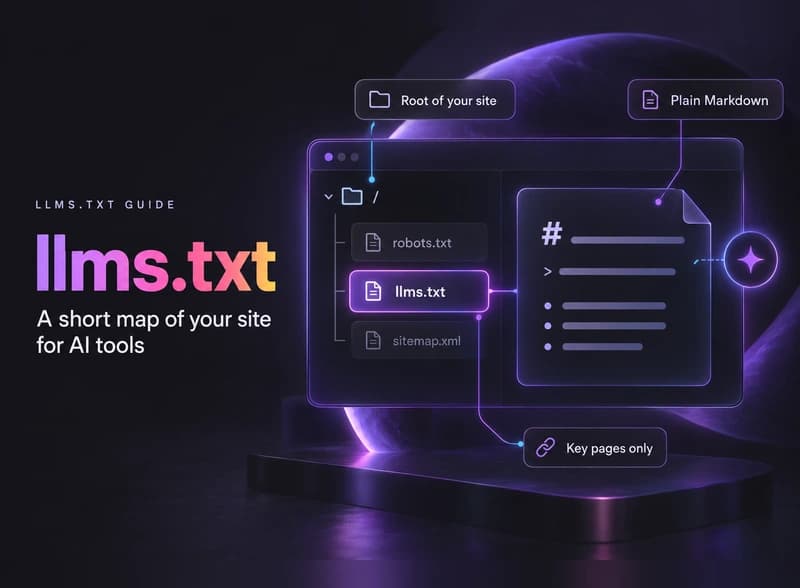
How to create llms.txt in plain steps: what to put in the file, a copy-paste template, how to add it on WordPress, Webflow or Shopify, and what it really does.
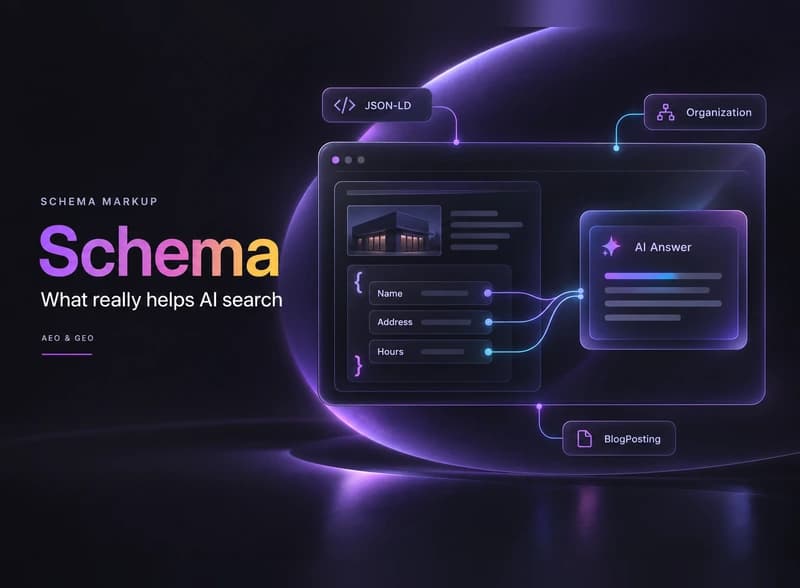
Schema markup for AI search in plain English: what Google and Microsoft say it does, which types a small business needs, and how to add and test it.
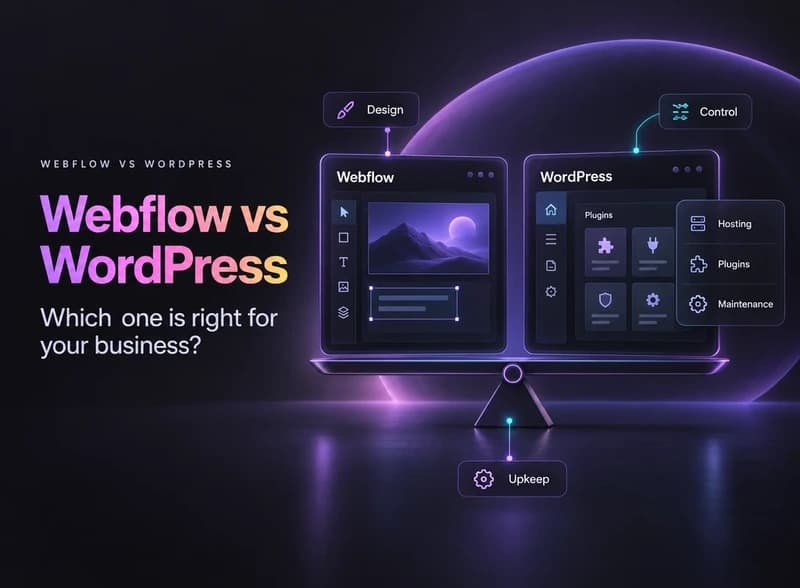
Webflow vs WordPress in plain English: hosting, cost, design, SEO, maintenance and plugins compared, plus a simple way to decide which fits your business.