AEO & GEO
Did Cloudflare Just Cut Your Site Off From AI?
10 min read

Adam Khaled
Founder, Web25
Adam Khaled
Founder, Web25
Quick answer: Since September 15, 2026, Cloudflare blocks AI training and agent crawlers by default on ad-carrying pages for every new domain it onboards. Its announcement and docs describe these defaults for new domains only. Search crawlers still get through. Cloudflare sits in front of more than 20% of web domains, so this changes what a real share of the internet is even reachable to AI tools.
Since September 15, Cloudflare blocks AI Training and Agent crawlers by default on any page that displays ads, for every new domain joining its network. Search crawlers, the ones that index a page so it can show up in results later, stay allowed by default. Cloudflare’s announcement and docs describe these defaults for new domains only and say nothing about switching existing domains over.
Cloudflare announced this on July 1, 2026, calling it the second “Content Independence Day,” a follow-up to a similar push a year earlier that introduced a one-click “Block AI Bots” toggle. The company gave site owners roughly two and a half months to configure their own settings before the September 15 defaults took effect. Cloudflare says it sits in front of more than 20% of all web domains, which is what makes a default setting change here bigger than a typical platform update.
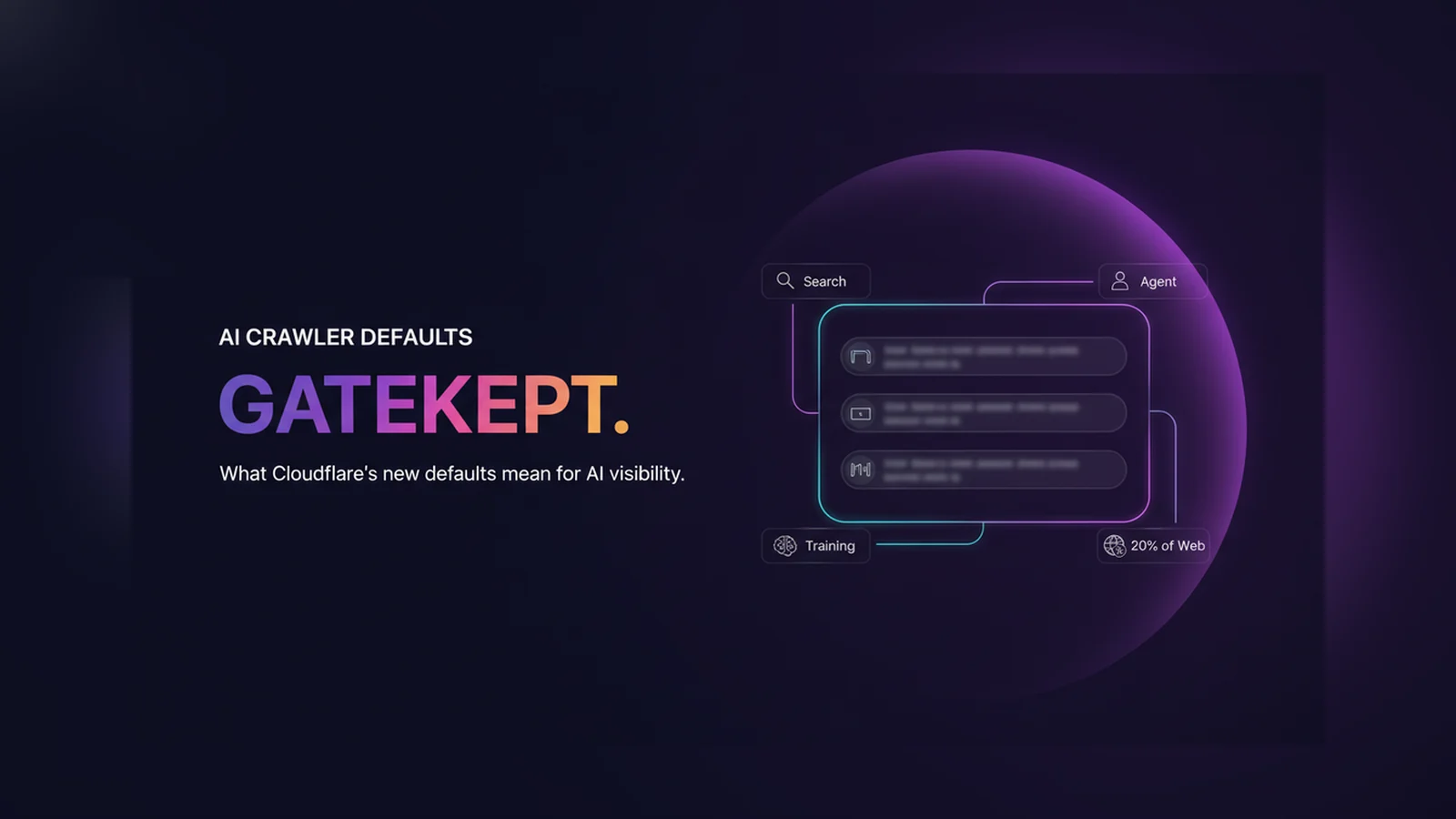
Cloudflare now splits automated traffic into three categories instead of treating all AI-adjacent bots the same way. Search covers anything that indexes a page to answer questions about it later, the kind of crawling that’s supposed to send a visitor back to the source. Agent covers bots acting on a person’s behalf in real time, things like ChatGPT fetching a page a user asked about, or Gemini and Claude driving a browser to complete a task. Training covers crawlers pulling content in to train or fine-tune a model, where the data gets absorbed into the system rather than looked up and referenced.
A site owner can allow or block each category independently, and for each one choose whether it applies to every page, only pages with ads, or not at all. That’s a real change from the old all-or-nothing “Block AI Bots” switch, and it’s documented in detail in Cloudflare’s own bot management docs.
Several major crawlers serve more than one of these purposes at once, and Cloudflare applies the most restrictive rule that matches any of them. Googlebot, Applebot, and BingBot all crawl for both Search and Training. If a site has Training blocked, either through the new settings or the older “Block AI Bots” toggle, those crawlers get blocked too, including the Search function that same site probably still wants.
Cloudflare flagged this directly in its own announcement and gave site owners until September 15 to opt out of the new defaults specifically for crawlers that mix Search with Training. That opt-out wasn’t automatic. A site owner who already toggled the old AI-blocking setting and never revisited it is the one most likely to be affected without realizing it.
An AI tool can’t cite content it never reached in the first place. That’s the first, most basic hurdle a page has to clear, before any of the questions about specificity or structure covered in why AI isn’t citing a given page, and it’s one most site owners don’t think about because it happens at the network level, not in the content itself.
Cloudflare’s Agent category is the one worth paying closest attention to here. That’s the classification covering tools like ChatGPT’s browsing mode or an AI assistant fetching a page in response to a real user question, arguably the closest thing to a live AI citation happening in real time. If Agent traffic is blocked on a page that carries ads, and most content pages do, that page is invisible to exactly the kind of request that would otherwise cite it.
Web25 is our agency, and checking whether a site’s infrastructure is actually letting AI tools in is part of the AEO/GEO work we do. If you’re not sure what your own Cloudflare settings currently allow, book a discovery call and we’ll help you check.
If your site runs on Cloudflare, log into the dashboard and look at Security settings for AI traffic controls. Confirm what Search, Agent, and Training are each currently set to, and specifically check whether Training is blocked, since that’s the setting most likely to be quietly blocking Search-and-Training crawlers like Googlebot along with it. If you want AI agent tools to be able to reach and cite your content, Agent needs to be allowed, at minimum on the pages you actually want found.
If your site doesn’t run on Cloudflare, this specific change doesn’t apply to you directly, but the underlying question does: check your own robots.txt and hosting-level bot rules for anything blocking AI crawlers wholesale, since a similar all-or-nothing block is common on sites that added one hastily sometime in the last two years. For WordPress sites, our guide to optimize WordPress for AI search shows where to look. Crawl access is only one half of the problem too, see Web25’s guide to whether AI crawlers read JavaScript for the other half.
Web25 checks a site’s actual crawlability, not just its content, as part of our SEO/AEO/GEO work. A page can be perfectly structured, following the same principles in our guide to AEO, and still invisible to an AI tool if the infrastructure in front of it is quietly blocking the traffic that would reach it.
Only if your site is on Cloudflare and the Agent category ends up blocked on the pages in question, and only for the real-time browsing/fetch behavior that category covers. Search crawling is still allowed by default. Check your Security settings to see what’s actually set for your domain.
Not for the new Agent and Training defaults, which Cloudflare describes as applying to new domains only. One thing does reach existing sites: if you block Training and didn’t opt out before September 15, Cloudflare now blocks Googlebot, Applebot, and BingBot too. Log into your dashboard’s Security settings to see what’s currently applied.
Yes, if Training is blocked. Googlebot, Applebot, and BingBot all crawl for both Search and Training, and Cloudflare applies the most restrictive rule that matches. A site that blocks Training without excluding these mixed-use crawlers can lose classic Google search indexing along with it.
No, though they’re related. Pay Per Crawl is a separate marketplace letting site owners charge AI companies for crawl access. The September 15 change is about default access settings, whether a crawler gets in at all, not about payment. A site can use either, both, or neither.
Cloudflare is testing a robots.txt field called “use” that lets a site state a preference for how a crawler may reuse content: immediate (interact only, store nothing), reference (index and link back), or full (summarize or reproduce). Like the rest of robots.txt, it signals a preference rather than enforcing a block directly.
If you’re on Cloudflare, check your Security settings now, not eventually, since the new defaults have been live since September 15. If you’re specifically trying to get cited by Perplexity, note that a Cloudflare block isn’t airtight there either, see Web25’s guide to getting cited by Perplexity for what Cloudflare found. If you don’t know where to look or what to change, book a discovery call and we’ll walk through it with you.
Written by Adam Khaled, Founder, Web25. Last updated October 21, 2026.

Odoo Shopify integration in 7 steps: check your Odoo plan and hosting, pick an Odoo module, a Shopify app or custom code, and sync stock across locations.

QuickBooks Shopify integration in 7 steps: pick the right QuickBooks, choose an app or custom code, and make each Shopify payout match your bank deposit.

ERP website integration explained: what your website can pull from or send to your ERP, five ways to connect them, and 6 steps to scope the job.