AEO & GEO
Do AI Crawlers Read JavaScript: What Web25 Clients Should Know
9 min read

Adam Khaled
Founder, Web25
Adam Khaled
Founder, Web25
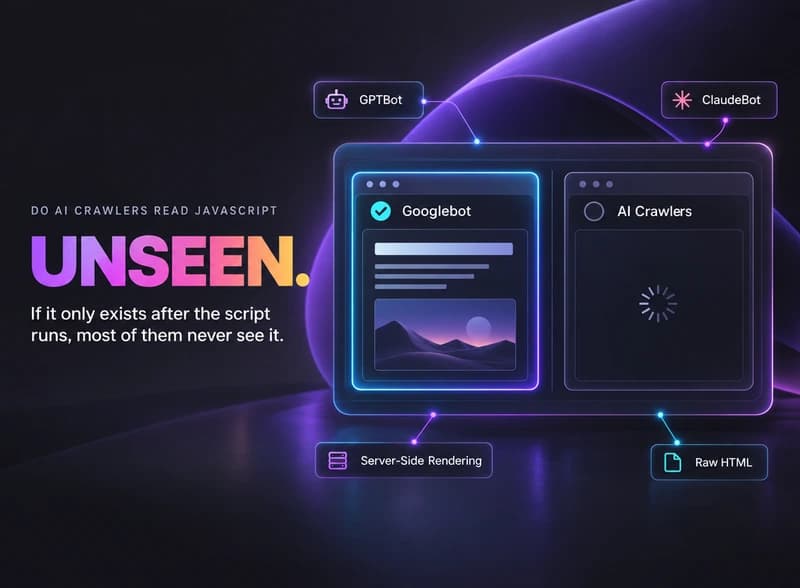
Quick answer: Do AI crawlers read JavaScript? No, not the dedicated ones. Vercel’s analysis of its own network traffic found that GPTBot, ClaudeBot, PerplexityBot, and the other major AI crawlers fetch a page’s raw HTML and never execute the JavaScript on it. Googlebot is the exception. If your content only appears after the page runs its JavaScript, every AI crawler except Google’s sees an empty shell.
This comes up constantly with client sites built as a single-page app, a page that loads a blank shell first and fills in the actual content with JavaScript a second later. It works fine for a person, since their browser runs the script. It doesn’t work the same way for most AI crawlers, and the gap is bigger than people expect.
A page can rank normally in classic Google search while being functionally invisible to ChatGPT, Claude, and Perplexity, because Google is the one search system that actually renders the page the way a browser does. The others read the raw response your server sends back, and if that response is a near-empty HTML shell with a loading spinner, that’s all they see.
This isn’t a hypothetical edge case. It’s the default behavior of a lot of modern JavaScript frameworks running in client-side rendering mode, which was the standard approach for years before AI crawlers existed to worry about.
According to Vercel’s own analysis of its network traffic, none of the major AI crawlers currently render JavaScript, including OpenAI’s GPTBot, OAI-SearchBot, and ChatGPT-User, and Anthropic’s ClaudeBot. In the same dataset, GPTBot generated 569 million requests across Vercel’s network in a single month, and Claude generated 370 million, so this isn’t a small edge case affecting a handful of crawls.
They do sometimes download the JavaScript files themselves, just as plain text, without ever running them: about 11.5 percent of ChatGPT’s requests and 23.8 percent of Claude’s, per the same analysis. That’s consistent with fetching a file to see what’s there, not executing it to render a page.
| Crawler | Renders JavaScript | Fetches JS files as text |
|---|---|---|
| Googlebot | Yes | Yes |
| GPTBot / OAI-SearchBot / ChatGPT-User | No | ~11.5% of requests |
| ClaudeBot | No | ~23.8% of requests |
| PerplexityBot | No | Not separately broken out |
Google built a full rendering service for Googlebot years ago, specifically because so much of the web moved to JavaScript-heavy frameworks. It queues a page, runs the JavaScript roughly the way a browser would, then indexes what actually shows up. None of the AI crawlers have built or documented an equivalent system.
That gap is why a client-side-rendered page can genuinely rank in classic Google search while returning nothing useful to an AI tool asking the same question. The two systems aren’t reading the same version of the page.
Web25 builds its own site on Next.js with server-side rendering for exactly this reason, so the content in this article exists in the raw HTML response, not just after the page finishes running its scripts.
For a client on a client-side-rendered framework, the fix is usually adding SSR or SSG for the pages that matter for AI visibility, not a full rebuild. Web25 is our own agency, so this is also where we’d point you toward our own service. See the full approach on Web25’s AEO and GEO service page, or start with the broader guide to optimizing content for LLMs.
No. GPTBot, OAI-SearchBot, and ChatGPT-User fetch a page’s raw HTML and don’t execute its JavaScript, per Vercel’s analysis of its own crawler traffic. If your content only appears after the page finishes running its scripts, these crawlers see an empty or near-empty page instead.
No, because AI Overviews draw from Google’s existing search index, which Googlebot builds using a full JavaScript rendering step. Google is the exception among major search and AI crawlers, so a client-side-rendered page has a real chance in Google’s ecosystem while being invisible to ChatGPT, Claude, and Perplexity.
Usually not a full rebuild. Most modern frameworks, including React and Vue-based ones, support server-side rendering or static generation as a configuration choice, not a rewrite. The fix is often turning that setting on for the pages that matter, rather than replacing the whole site.
Vercel’s data shows it happening on a real but minority share of requests, about 11.5 percent for ChatGPT and 23.8 percent for Claude, consistent with a crawler fetching a linked file to see what it contains rather than running it as code. It’s a data point, not evidence that execution is happening.
View the page’s raw source, not the rendered DOM in your browser’s inspector, which already ran the JavaScript for you. If your main text and headings are missing from that raw source and only appear after the page loads, an AI crawler is very likely seeing the same empty version.
Right-click your homepage, view the page source, and search for a sentence you know is on the page. If you can’t find it in that raw source, that’s your answer, and the fix is turning on server-side rendering or static generation for that page. For the fuller technical checklist, see Web25’s guide to optimizing content for LLMs, or book a discovery call to talk through your own site.
Written by Adam Khaled, Founder, Web25. Last updated September 2026.
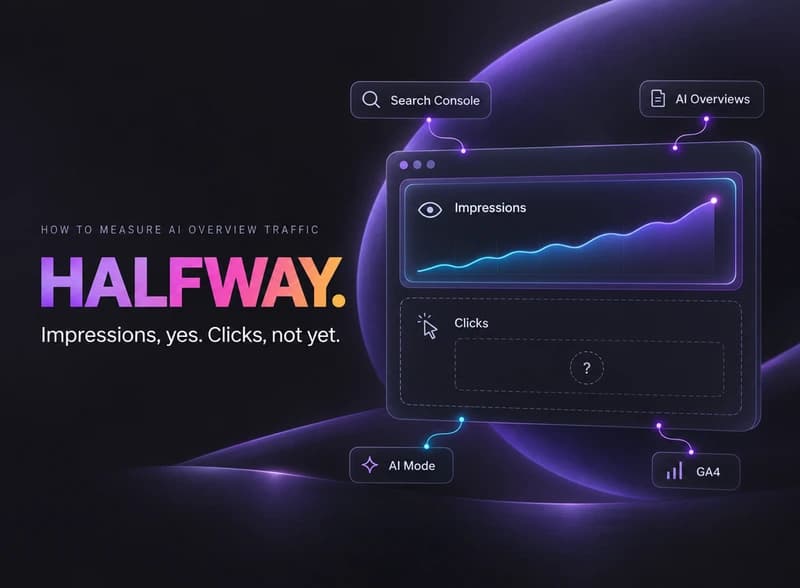
How to measure AI Overview traffic starts with Search Console’s new Generative AI performance report, which shows impressions but not clicks yet.
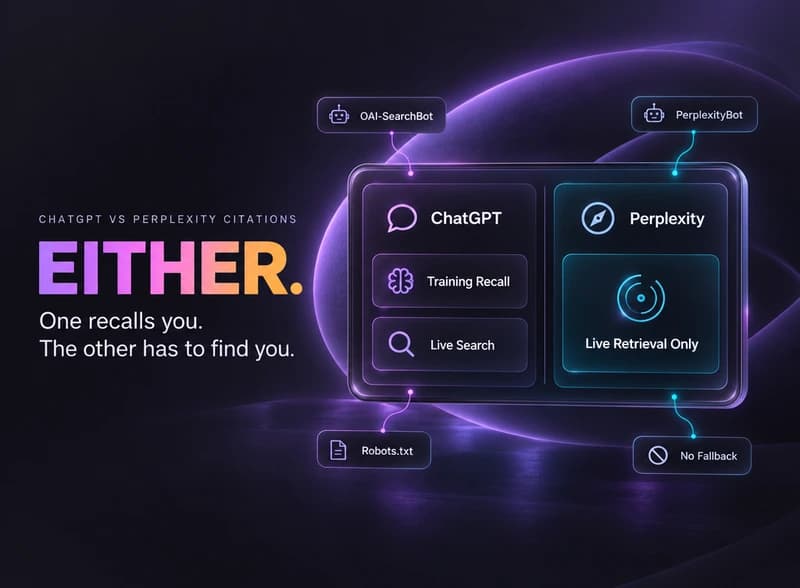
ChatGPT vs Perplexity citations: ChatGPT can recall a brand from training data with no search. Perplexity has to find and cite a live page instead.
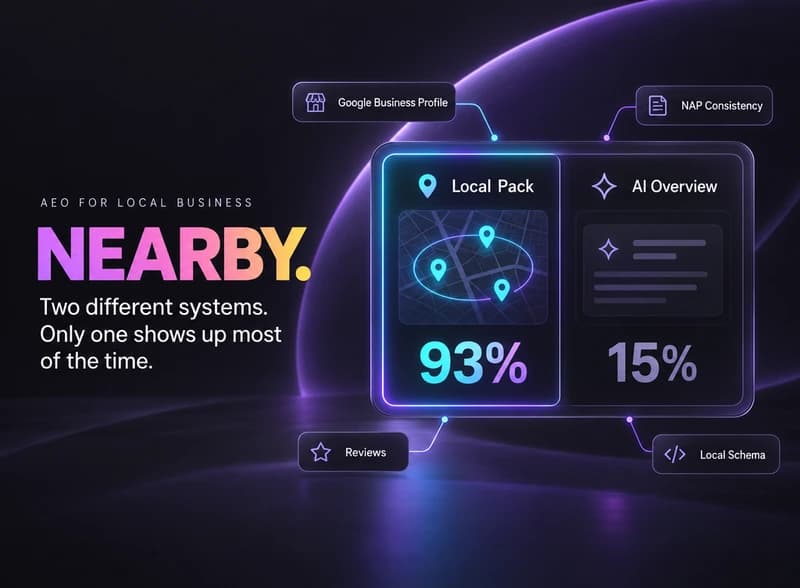
AEO for local business works differently: most near-me searches still trigger Google’s Local Pack, not an AI Overview. Here’s what earns a citation.