AEO & GEO
Shopify NetSuite Integration: A Practical Setup Guide
16 min read

Adam Khaled
Founder, Web25
Adam Khaled
Founder, Web25
Quick answer: A Shopify NetSuite integration syncs orders, customers, stock levels and fulfillments between your store and your ERP, so nobody retypes data. You can connect them with a prebuilt connector, an automation tool or custom code using Shopify’s GraphQL API and NetSuite’s REST API. The right choice depends on how far your workflow differs from the standard one.
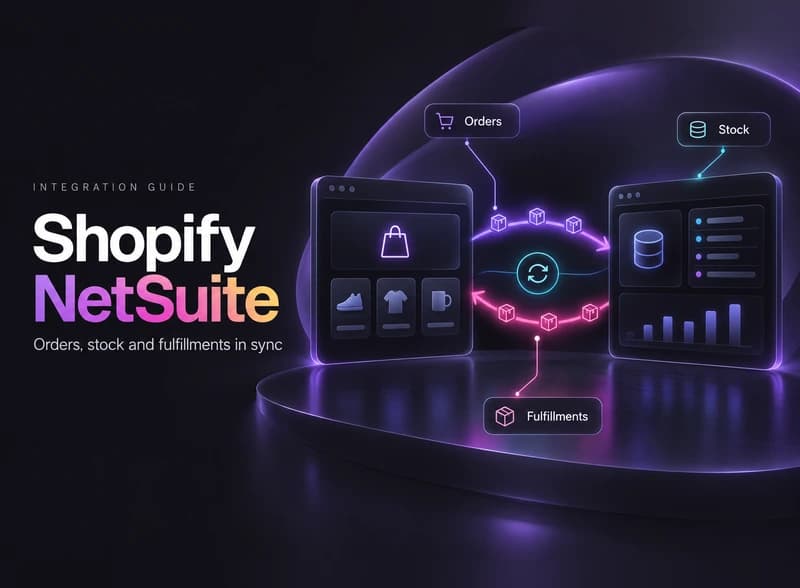
If your store runs on Shopify and your books and stock live in NetSuite, someone is probably copying data between them by hand. This guide explains how a Shopify NetSuite integration works, which way to build it, and what to watch out for.
A Shopify NetSuite integration moves data between your store and your ERP so each system has the same facts. NetSuite is an ERP, which means the system that holds your accounting, stock and order records.
Celigo’s NetSuite app for Shopify, one of the best-known connectors, lists customers, items, orders, cancellations, refunds, returns and inventory levels. That list is a good guide to what a typical integration covers.

| Data | Usual direction | Why it matters |
|---|---|---|
| Orders | Shopify to NetSuite | Accounting gets every web order without retyping |
| Customers | Shopify to NetSuite | One customer record for sales and invoices |
| Stock levels | NetSuite to Shopify | Stops you selling items you do not have |
| Items and prices | NetSuite to Shopify | One place to maintain the catalog |
| Fulfillments and tracking | NetSuite to Shopify | Customers see shipping updates |
| Cancellations and refunds | Shopify to NetSuite | Keeps the books correct after changes |
The directions above are the common setup, not a rule. Many businesses keep NetSuite as the source for stock and prices, and Shopify as the source for orders and customers.
There are three ways to connect Shopify to NetSuite: a prebuilt connector, an automation tool, or custom code. Start with the simplest one that covers your real workflow, and move up only when it does not.
| Method | Best for | Watch out for |
|---|---|---|
| Prebuilt connector, such as Celigo’s NetSuite app | Standard order, inventory and fulfillment flows, and several Shopify stores in one NetSuite account | An ongoing subscription, and limits when your process is unusual |
| Automation tool, such as Pabbly Connect | Light, simple flows, for example a new order creating a record | Limited error handling, plan limits that grow with volume, and no ready-made NetSuite app that we could find, so the flow has to call NetSuite’s REST API directly |
| Custom code | Custom fields, several warehouses, approval rules, or full control over errors and logging | Build and maintenance cost, so it needs documentation and tests |
If a connector covers your flows, use it. There is no point paying for custom development to rebuild what a ready-made app already does.
Custom code starts to pay off when your workflow does not fit the standard one. Typical triggers are custom fields in NetSuite, stock held in several locations, or rules such as holding an order until someone approves it.
To set up a Shopify NetSuite integration, decide which system owns each type of data, map the fields, create secure credentials, build the order and stock flows, add a reconciliation check, and test in a sandbox before going live. The steps below follow that order.
Write down which system wins for orders, customers, stock, prices and fulfillment status. When two systems can both change the same field, they will eventually disagree, and one will overwrite the other. A single owner per field avoids that.
List how a Shopify record becomes a NetSuite record. Match products by SKU, and decide how to match customers, such as by email. Map tax, shipping methods, payment methods and locations, too.
This is the slowest step and the one most often rushed. Mistakes here show up later as orders that land in the wrong place.
On the NetSuite side, create an integration record and use OAuth 2.0. Oracle’s documentation says OAuth 2.0 is the preferred technology for new REST integrations, and that token-based authentication is being phased out. Give the connecting user a role with only the permissions the sync needs.
On the Shopify side, build against the GraphQL Admin API. Shopify’s documentation says the REST Admin API is a legacy API as of October 1, 2024. Request only the access scopes you need.
Use a Shopify webhook to start the flow when an order arrives. Shopify describes webhooks as a way to receive near-real-time event data, delivered to an HTTPS endpoint, Google Pub/Sub or Amazon EventBridge.
Each order should create a customer and a sales order in NetSuite. Store the Shopify order number on the NetSuite record, so that if the same order arrives twice, your code can see it already exists and skip it.
Calculate the quantity you are willing to sell in NetSuite, then update only the Shopify products that match by SKU. Skip anything that has no match, and log it for review instead of guessing.
Plan the schedule around NetSuite’s limits. Oracle’s documentation sets concurrency limits by service tier, for example 5 concurrent requests for Standard accounts on contracts from June 2020, plus 10 for each SuiteCloud Plus license. A sync that fires hundreds of requests at once can hit that ceiling.
When NetSuite ships an order, send the tracking details to Shopify so the customer is notified. Handle cancellations and refunds in the other direction, so the books stay correct. Treat each as its own small flow with its own tests.
Shopify says webhook delivery is not always guaranteed, and recommends reconciliation jobs that periodically fetch data so your app stays consistent. Add a scheduled job that compares recent orders and stock levels in both systems and reports any difference.
Then test in a NetSuite sandbox. Oracle notes that applications authorized with OAuth 2.0 in production are not copied to a sandbox, and that you must authorize them again each time the sandbox is refreshed. Run the first live week with alerts switched on, and watch every error.
Web25 built a custom WooCommerce and POHODA integration for Mirael3D, a store selling 3D-printing filament. It is not a Shopify and NetSuite project, because POHODA is accounting software popular in Slovakia and Czechia, and we have no published Shopify NetSuite case study yet. The logic of the sync is the same: stock flows one way, orders flow the other.
The Mirael3D POHODA case study shows what mattered in practice:
The same habits apply to any store and ERP sync: one owner for each field, matching on a stable key like SKU, a dry run before live writes, and a review queue for anything unexpected. For Shopify stores on Business Central, see our Dynamics 365 ecommerce integration guide.
There is no honest single price, because the cost depends on a handful of factors you can list before you ask for a quote. A simple standard sync is a small job. A custom sync with unusual rules is a larger one.
| Factor | Pushes the cost up when |
|---|---|
| Number of flows | You sync orders, stock, fulfillments, refunds and prices, not just orders |
| Custom fields and rules | NetSuite has custom records or approval steps the standard flow ignores |
| Locations and stores | Stock sits in several warehouses, or several Shopify stores share one account |
| Order volume | High volume needs careful scheduling around request limits |
| Method | A connector adds a subscription, while custom code adds build and maintenance work |
| Monitoring | You want alerts, logs and someone to fix issues after launch |
Budget for the time after launch as well. An integration touches money and stock, so it needs monitoring, and our guide to website maintenance packages covers how ongoing care is usually priced.
Most failures come from unclear ownership of data and from skipped safeguards, not from the connection itself.
Web25 is our agency. This guide covers it alongside alternatives.
If a connector covers your flows, we will tell you to use it, and you may not need anyone to build anything. If your process is unusual, Web25 builds custom integrations between online stores and accounting or ERP systems, including stock and order syncs like the one in the case study above, and keeps them monitored afterward.
Our backend and API service page explains how we work. For the wider picture of how integrations are planned, built and monitored, read our guide to custom API integration services. For a WooCommerce pairing, see the Xero WooCommerce integration guide. If your store runs on WooCommerce instead of Shopify, read the NetSuite WooCommerce integration guide.
Not always. If your flows are standard, a prebuilt connector can handle orders, customers, inventory and fulfillments with setup rather than code. You need a developer when your process is unusual, such as custom fields, several warehouses or special approval rules, or when you want full control over error handling.
Use the GraphQL Admin API. Shopify's documentation says the REST Admin API became a legacy API on October 1, 2024, and that since April 1, 2025 all new public apps must be built exclusively with GraphQL. A new custom integration should follow that direction from the start.
Through an integration record in NetSuite. Oracle's documentation says OAuth 2.0 is the preferred technology for new REST integrations and that token-based authentication is being phased out. You create the integration record, set the scopes, and give the connecting user a role with only the permissions the sync needs.
No. Shopify's documentation says webhook delivery is not always guaranteed and that an app can miss or mishandle events. Shopify recommends reconciliation jobs that periodically fetch data and compare it. In practice, that means a scheduled check that finds any order or stock level the webhook missed.
It depends on your service tier. For contracts from June 2020, Oracle lists base limits of 5 concurrent requests for Standard, 15 for Premium and 20 for Enterprise and Ultimate, plus 10 for each SuiteCloud Plus license. Check your own limit in NetSuite before you design the sync schedule.
There is no single price. The cost depends on how many flows you sync, how many custom fields and rules you have, your order volume, and whether you buy a connector subscription or pay for custom development. Ongoing monitoring and fixes after launch should be budgeted as well as the build.
Yes. Celigo's Shopify app lists multi-store support, where several Shopify stores sync to one NetSuite instance. With custom code, you can do the same by keeping store-specific rules in a configuration layer, so a new store means new settings rather than a new build.
Write down which system should own each type of data, and list the flows you need: orders, stock, fulfillments and refunds. That list tells you whether a connector is enough. If you want a second opinion before you choose, book a discovery call.
Written by Adam Khaled, Founder, Web25. Last updated October 2026.

Agentic SEO means AI agents doing SEO work, not just suggesting it. What it is, what Google allows, the real risks, and when a small site should skip it.
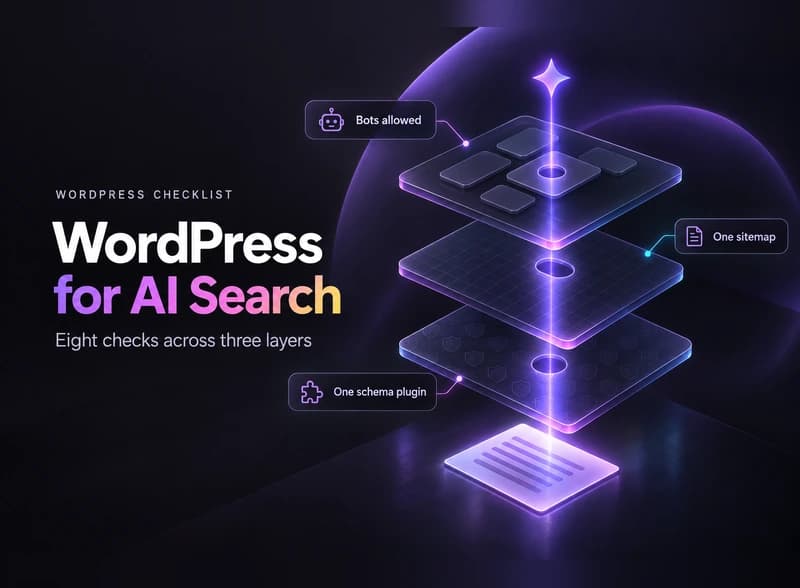
Optimize WordPress for AI search in 8 checks: the Reading setting, robots.txt, bot-blocking hosts, one schema plugin, page builders, sitemaps and llms.txt.
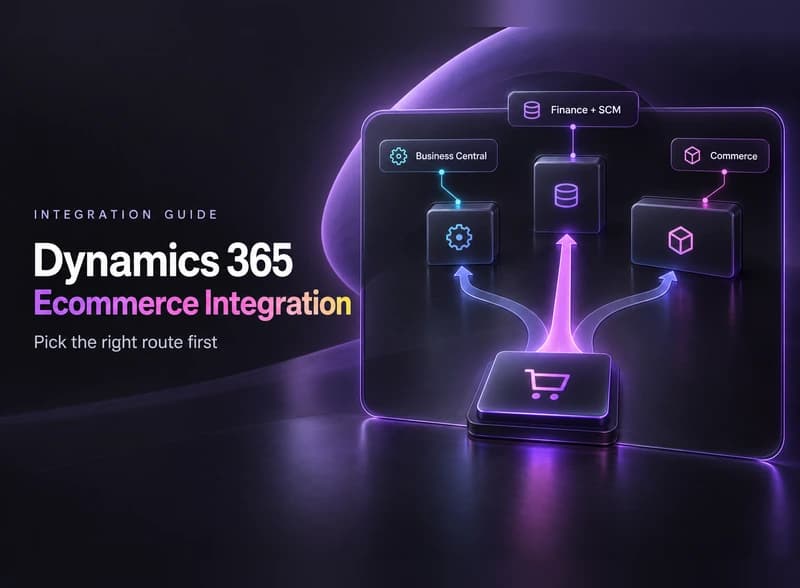
Dynamics 365 ecommerce integration, step by step: find out which Dynamics 365 you run, pick a connector or custom API, plan for API limits and test first.