Web Design
What Is Full-Service Website Management?
10 min read

Adam Khaled
Founder, Web25
Adam Khaled
Founder, Web25
Quick answer: Full-service website management means one provider handles design, development, hosting-adjacent care, and ongoing updates instead of you coordinating a designer, a developer, a host, and a maintenance freelancer separately. It costs more per month than piecing it together yourself, but it removes the coordination work, and it’s the better fit once a broken update or a missed security patch would actually cost you business.
Full-service website management means a single provider is responsible for a website across its whole lifecycle: the initial design and build, ongoing technical maintenance, and the improvements that keep it working as the business changes. The alternative is what most small businesses end up with by default: a freelancer who built the site two years ago, a hosting company that only handles the server, and nobody clearly responsible for the plugin update that broke the checkout page last month.
Neither approach is wrong on its own. The difference is who owns the problem when something breaks, and how much of that coordination work falls on the business owner instead of the provider.
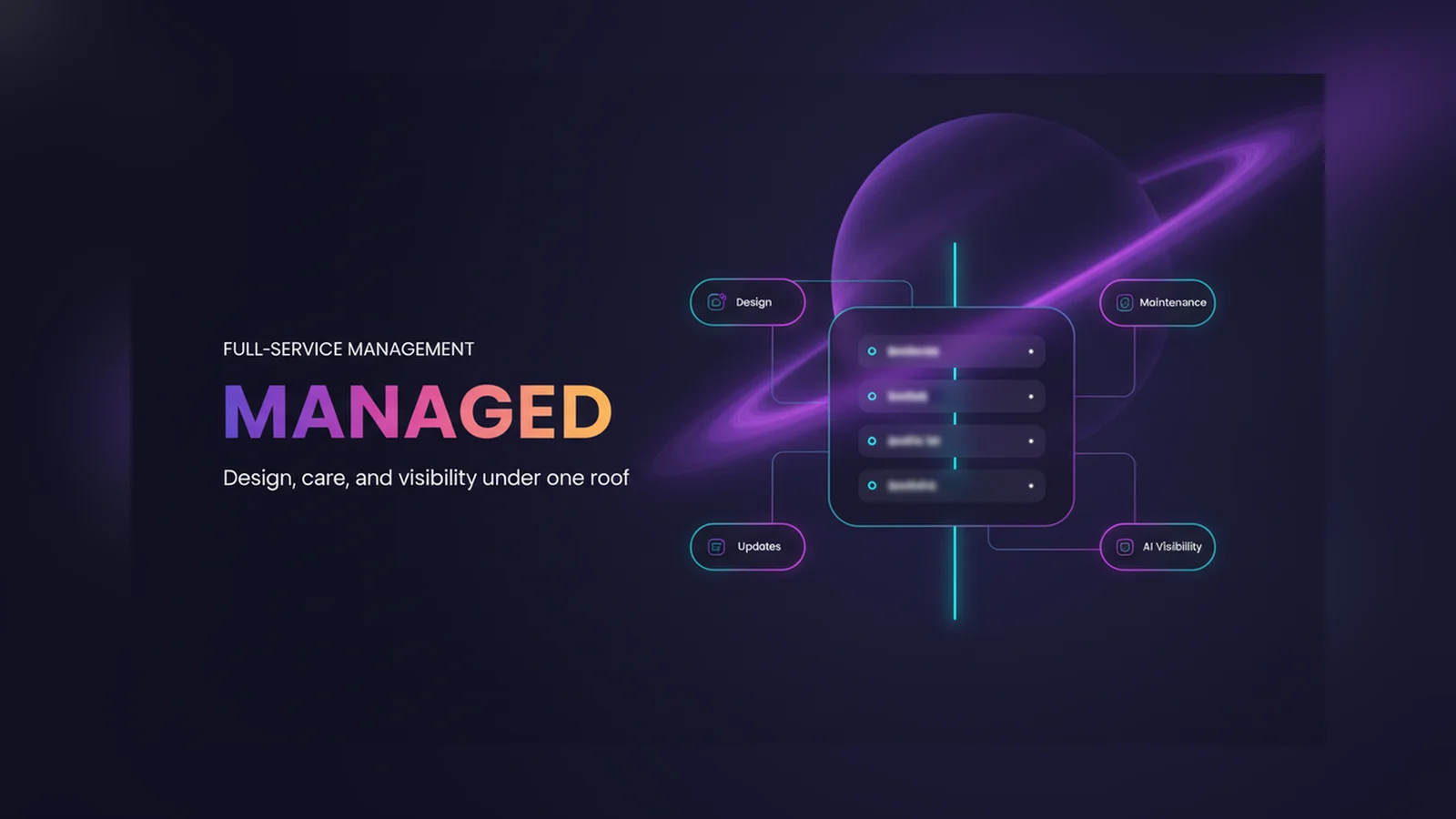
A real full-service package usually covers four things: the initial build or redesign, hosting-adjacent technical care (updates, backups, security monitoring), a channel for ongoing changes and small feature requests, and increasingly, making sure the site’s content is structured well enough to show up in AI-generated answers, not just classic search results.
That last piece is newer than the other three. A site built in 2022 was designed for classic SEO. Whether it’s also readable and citable by an AI answer engine is a separate question that a pure “maintenance” plan often doesn’t touch, since maintenance historically meant keeping the lights on, not restructuring content.
Piecing it together yourself, a freelance designer, a separate host, a maintenance plan bought later, usually costs less per line item. What it doesn’t include is anyone whose job is to notice when the pieces stop fitting together: a theme update that conflicts with a plugin, a redesign that doesn’t account for how the site is actually hosted, content written for search rankings that never gets adapted for how AI tools read a page now.
WordPress is the platform this shows up on most, since it runs 40.3% of all websites as of September 2026, per W3Techs, and its plugin ecosystem is exactly what makes ongoing coordination a real job rather than a one-time setup task. Every plugin update is a small compatibility risk. Someone has to own testing it before it goes live, and on a self-managed site, that someone is usually the business owner, by default, whether they signed up for it or not.
A one-time build runs from a few thousand dollars for a small business site upward, depending on scope, and ongoing maintenance-only plans typically run $75-$300/month for freelancer support and $200-$1,000+/month for agency-level service. A full-service package that bundles ongoing design changes and AEO/GEO work on top of that maintenance baseline runs higher than a maintenance-only plan, since it includes real work beyond monitoring and patching, not just a bigger number on the same checklist.
The comparison that actually matters isn’t full-service against maintenance-only. It’s the visible monthly cost against the invisible cost of a business owner’s own time spent coordinating vendors, plus the cost of the actual outages and missed updates that happen when nobody owns that coordination.
A simple, low-traffic informational site with an owner who’s comfortable checking in occasionally often does fine on a maintenance-only plan, without paying for full-service coordination it doesn’t need. Full-service management earns its cost once a site generates real leads or sales, once downtime has a real dollar cost attached to it, or once there’s genuinely nobody on staff with the time or technical background to notice when something’s quietly broken.
Web25 is our agency, and full-service website management, covering design, development, ongoing care, and AEO/GEO visibility, is what we do day to day. If you want an honest read on whether your site needs the full bundle or just a maintenance plan, book a discovery call.
Web25 runs the whole lifecycle under one roof: the initial build or redesign, ongoing maintenance through our Monitor, Care, and Priority plans, and content structure work through our SEO/AEO/GEO service, so a plugin update, a content change, and a citation-visibility fix don’t require three separate vendors comparing notes.
Typically the initial design and build, ongoing technical maintenance like updates and backups, a channel for content changes and small feature requests, and increasingly, work to keep content structured well enough to show up in AI-generated answers, not just classic search results.
It depends on what downtime or a missed update would actually cost you. A simple, low-traffic site often does fine on a maintenance-only plan. A site that generates real leads or sales, where a broken checkout or an outdated page has a real dollar cost, is where full-service coordination earns its price.
A maintenance plan covers updates, backups, and security monitoring, keeping an existing site running. Full-service management adds ongoing design and content work on top of that baseline, plus responsibility for the initial build, so one provider owns the whole lifecycle instead of just the upkeep.
Yes, for a simple site and an owner with some technical comfort, self-managing is a reasonable choice and costs less directly. The trade-off is that you become the person responsible for noticing when a plugin update breaks something, which is real ongoing work, not a one-time setup task.
It runs higher than a maintenance-only plan, which itself typically costs $75-$300/month for freelancer support or $200-$1,000+/month for agency service, since full-service work includes ongoing design and content changes on top of that baseline, not just monitoring and patching.
WordPress runs 40.3% of all websites as of September 2026, per W3Techs, largely because of its plugin ecosystem. Every plugin update is a small compatibility risk, and someone has to test it before it goes live. On a self-managed site, that job defaults to the business owner whether they planned for it or not.
List out every vendor currently touching your website, designer, host, maintenance, content, and check whether anyone would actually notice if one of them dropped the ball this month. If the honest answer is no, that’s the real cost of piecing it together. Book a discovery call if you want a straight read on whether full-service management or a lighter plan fits your site.
Written by Adam Khaled, Founder, Web25. Last updated September 2026.
Cloudflare now blocks AI training and agent crawlers by default on ad-carrying pages. Here’s what changed today, and what to check on your own site.

AI tools don’t all work the same way. Here’s what the research actually shows about why some pages get cited by AI systems and others get skipped entirely.
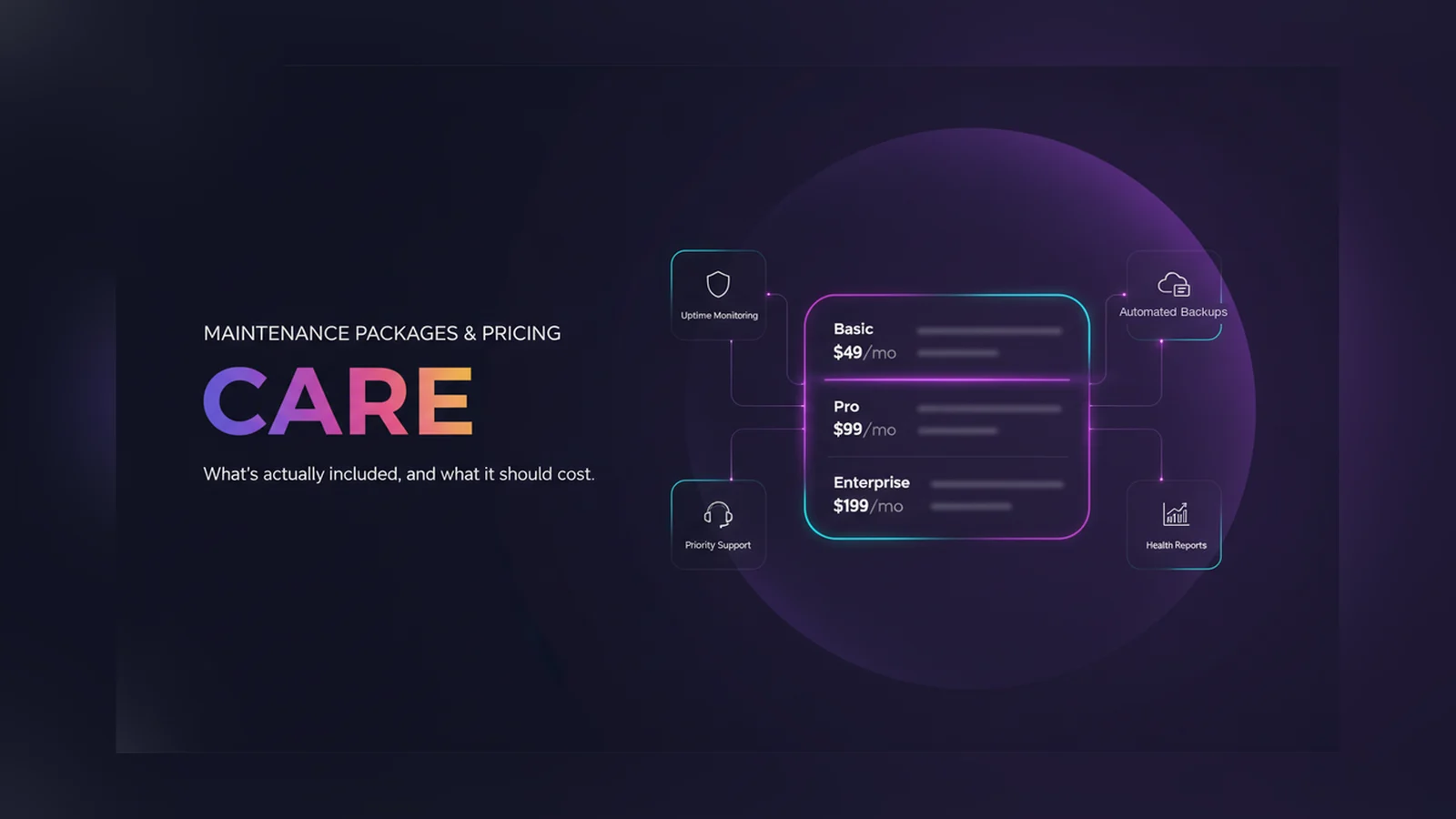
How much do website maintenance packages cost in 2026? What’s actually included, real WordPress maintenance pricing data, and a real three-tier pricing example.