Web Design
DIY Website Builder vs. Web Design Agency
9 min read

Adam Khaled
Founder, Web25

Adam Khaled
Founder, Web25
Quick answer: Wix and GoDaddy fit a simple site with no custom functionality, at $18–$40 a month with you doing the work yourself. A custom build costs more upfront but is the only path once you need something a template can’t do, like a real integration with other business software. Most businesses start on a builder and move to custom only if they outgrow it.
Wix’s published pricing (checked September 2026) runs $17.77/month for Light, $29.77/month for Core, $39.77/month for Business, and $159.77/month for Business Elite, all billed yearly. GoDaddy’s Websites + Marketing plans sit in a comparable range for equivalent tiers.
The practical difference between them is less about price and more about editing style: Wix leans toward a flexible drag-and-drop canvas, while GoDaddy leans toward a more guided, template-driven setup. Neither is objectively better. The one that matches how you actually want to edit your own site day to day is the one that’ll get used.
DIY builders are the fastest and cheapest way to get a real website online, and for a lot of small businesses that’s genuinely the right trade. Per the U.S. Small Business Administration, DIY platforms fit startups and first-time website owners especially well: sites can launch within hours, monthly costs typically stay under $30, and you can update content or switch designs yourself without waiting on a developer.
The SBA also flags the real trade-off: if you ever stop using that specific platform, you generally have to rebuild elsewhere from scratch, since the site doesn’t move with you the way a standard codebase would.
The pattern is consistent: DIY builders handle content and design fine, and struggle the moment a business needs its website to actually talk to other software. A booking form is usually fine. A booking system that needs to sync with internal scheduling software generally isn’t.
Web25’s GentleMano project is a clear example of the kind of build that’s out of reach for a DIY platform: a multilingual ecommerce site with configurable garments, appointment booking, and checkout, all wired into one coherent flow. None of that is a DIY-builder limitation you can work around with a plugin; it’s the kind of custom integration work that needs real development.
A custom build earns its higher price in three situations: you need an integration a builder can’t support, you need a design that a template genuinely can’t achieve, or you’ve outgrown the builder’s content structure (too many pages, too much content, or a site architecture the platform wasn’t built for).
Domain and platform migrations are the other case worth planning for early. Web25’s Mirael3D project moved a site to a new domain with zero downtime and zero lost search rankings, which takes real technical planning. If you build on a DIY platform now and outgrow it later, migrating that content and preserving your existing search rankings is a real project, not a weekend task.
There isn’t one answer, because “best” depends on what you actually need right now, not what you might need eventually. If your needs are simple, a DIY builder is the better platform for you today, full stop, even though Web25 is a web development agency. Building custom infrastructure for a five-page brochure site is over-engineering, not a good recommendation.
| Situation | Better fit |
|---|---|
| Simple brochure site, no integrations needed | DIY builder (Wix or GoDaddy) |
| Need a CRM, ERP, or payment system connected | Custom build |
| Tight budget, launching this week | DIY builder |
| Site content or structure outgrowing a template | Custom build |
| Multilingual, configurable products, complex booking flows | Custom build |
Neither is objectively better; they differ mainly in editing style. Wix offers a more flexible drag-and-drop canvas, while GoDaddy leans toward a guided, template-driven setup. Pick based on how you’d actually prefer to edit the site yourself.
Wix’s published pricing runs $17.77/month for Light, $29.77/month for Core, $39.77/month for Business, and $159.77/month for Business Elite, all billed yearly as of September 2026. Prices can vary by location and currency.
For a simple site with no custom functionality, yes. It’s a legitimate, widely used DIY option. Like any DIY builder, it stops being a good fit once you need real integrations or a design a template can’t produce.
When you need an integration the builder can’t support, a design the template genuinely can’t achieve, or your content has outgrown the platform’s structure. Simple content updates and basic booking forms usually don’t require the move.
Yes, and it’s a common path. The migration takes real planning to avoid losing your existing search rankings, but starting on a DIY builder and moving to custom later is far more common than the reverse.
It depends on what you need right now. A DIY builder is the better fit for a simple site with no integrations. A custom build is worth it once you need functionality a template can’t support, regardless of which agency builds it.
If you’re not sure which side of this you’re on, list what you need the site to actually do, not just look like. If nothing on that list requires an integration or a non-template design, a DIY builder is the honest answer. If you are weighing platforms for a custom build, our Webflow vs WordPress guide compares the two in plain English. If something does, book a discovery call and we’ll tell you plainly whether it’s a custom-build problem or not.
Written by Adam Khaled, Founder, Web25. Last updated September 2026.
Odoo Shopify integration in 7 steps: check your Odoo plan and hosting, pick an Odoo module, a Shopify app or custom code, and sync stock across locations.
QuickBooks Shopify integration in 7 steps: pick the right QuickBooks, choose an app or custom code, and make each Shopify payout match your bank deposit.
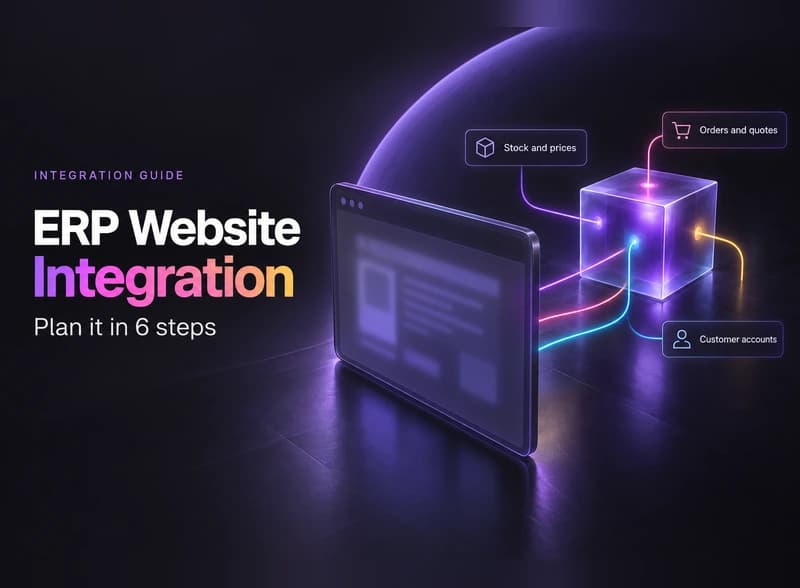
ERP website integration explained: what your website can pull from or send to your ERP, five ways to connect them, and 6 steps to scope the job.