AEO & GEO
API Integration Cost in 2026: What You Pay For
14 min read

Adam Khaled
Founder, Web25
Adam Khaled
Founder, Web25
Quick answer: API integration cost is developer hours times a rate, plus tool or API fees, plus upkeep every year. We found no independent survey of API integration project prices, so this guide uses only published figures: US wage data from BLS and vendors’ own list prices. A plugin or automation tool can have a price you read today.
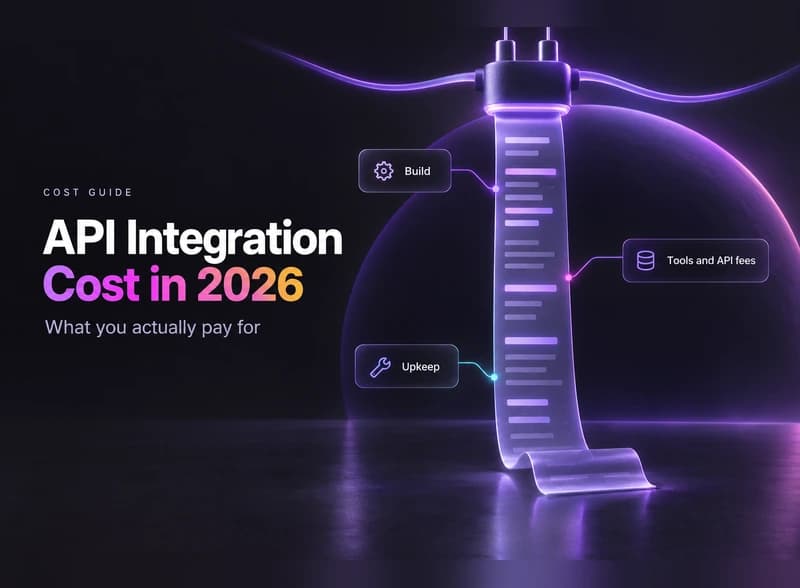
There is no single price. The total is a one-time part (discovery, build, testing, launch) plus a yearly part (subscriptions, API fees, version updates, monitoring). Only some of those parts have a published price.
The pages we read on October 21, 2026 that publish project ranges were written by firms that sell integration work or earn from the people buying it. None gave a method we could check, such as a sample size, region or date range. We found no independent survey of project prices either. So this guide doesn’t repeat any range.
The same few factors move the number every time: how many flows, how good the API is, how many custom rules, how much volume, whether you get a test account, and how closely it’s monitored. Our guide to custom API integration services covers each one.
You pay for work once and for running costs every year. A quote can cover the first and leave out the second, so check for both.

One time:
Every year:
Some projects add middleware, a small service that sits between two systems and translates data. It’s one more piece to build and watch. If the integration is part of a bigger site project, how much a website costs shows where it fits.
Pick the cheapest route that covers your flows. Plugins and automation tools have list prices you can read today. Custom work doesn’t, because it’s quoted in hours. Woo, Zapier and Xero each price their own products, so read these as list prices, not as a ranking.
| Route | How you pay | Published example, checked October 21, 2026 | Best when | Watch out for |
|---|---|---|---|---|
| Platform plugin or extension | Yearly plan | WooCommerce Xero extension, by Woo: $109 for the “1-year plan” (US view) | One standard pair, such as store and accounting | Rules the plugin can’t change |
| Automation tool | Monthly plan, rises with task volume | Zapier Professional: “Starting from $19.99 /month”. Free plan: 100 tasks per month. Price depends on the task tier and on monthly or yearly billing | Simple, low-volume flows | The bill follows the number of runs |
| Prebuilt connector | Vendor subscription | No figure here. Check the vendor’s pricing page. See the Shopify NetSuite integration guide for how connectors fit | An ERP with a supported connector | Per-user or per-flow limits |
| Custom integration | One-time build plus upkeep | None. Quoted hours multiplied by the developer’s rate | Rules or data a tool can’t handle | Hours that grow when the API is unclear |
API access can be a separate fee. Xero’s developer pricing page lists a Starter tier at “No charge” for up to 5 connections and a Core tier at “$35 AUD” a month for up to 50, tax exclusive. Our Xero WooCommerce integration guide shows where that fee applies. Zapier lists its prices in USD. Woo shows “$” without naming a currency when viewed from the US.
In the US, software developers had a median wage of $65.38 an hour in May 2025, according to the Bureau of Labor Statistics (BLS). A quote runs higher than a wage because a billing rate has to cover more than pay. Treat the wage as one input, not as a fair rate.
These are BLS Occupational Employment and Wage Statistics (OEWS) figures for May 2025, released May 15, 2026, for the US, all industries. See the software developer profile.
The OEWS technical note gives the method. The estimates come from “a sample of about 1.1 million establishments”. The survey “does not include the self-employed”, so freelancers are not in these numbers. Wages are “straight-time, gross pay”, which leaves out the employer’s cost for benefits.
Benefits are a large share on top. BLS says that in June 2026 private industry employers’ “benefit costs averaged $14.07 and accounted for the remaining 30.0 percent” of employer costs, per its Employer Costs for Employee Compensation release. That figure covers all private industry workers, not developers.
A freelancer or agency also pays for unbilled time, tools, overhead and profit, so a rate above the wage is normal. How far above, these sources can’t say. Ask each vendor what its rate includes.
Estimate flow by flow, then add the yearly costs. The six steps below give you a sheet you can reuse for every quote.
Fill in a sheet like this, one row per flow:
| Flow | Route | One-time | Yearly |
|---|---|---|---|
| Flow 1 | |||
| Flow 2 | |||
| Flow 3 |
Platforms change on their own schedule, and your API integration cost follows. Three examples show how.
We found no sourced percentage for yearly upkeep as a share of the build, so this guide gives none. Budget by listing the items above and pricing each one.
Put both on the same line items and check what each leaves out. A cheaper quote that excludes testing or monitoring isn’t cheaper.
For more questions to put to a provider, see our guide to custom API integration services.
Web25 is our agency; this guide covers it alongside alternatives.
Start with the cheapest route that covers your flows, even if that means no developer at all. When a tool can’t handle your rules or your data, Web25 writes the connection itself through its backend and API service.
For method, see the public Mirael3D POHODA case study. It connected WooCommerce and POHODA through XML, with a build that didn’t touch production, a dry run with writes disabled and go-live on August 30, 2026. That is one project, not a typical timeline, and it shows no prices.
Checked October 21, 2026. BLS wage data is the May 2025 estimates, released May 15, 2026. BLS benefits data is June 2026, released September 9, 2026. The Zapier, Woo, Xero and Shopify pages show no publish date (Xero’s terms show an update date of March 2, 2026), so prices and wording are as seen from the US on October 21, 2026.
Often, at low volume, but count the runs first. Zapier prices by tasks per month, so a flow that fires a few times a day costs differently from one that fires on every order. If a no-code tool covers the flow, use it. Custom work earns its cost when your rules or data outgrow what the tool can handle.
Some do, and the model can change. Check the platform’s developer pricing page for three things: a fee per tier, a limit on connections, and a limit or extra charge on data volume. Xero lists all three. Don’t assume any platform is free for good, and ask your developer which fees apply to you.
Fixed price fits when every flow and field is mapped before the work starts. Hourly fits when the API or your data is still unknown, because discovery may change the plan. Either way, ask in writing what counts as a change order and who approves it before any extra work starts.
Rates differ, and we don’t quote them because we found no sourced figure. Compare what each quote covers instead. Ask who tests the work, who watches it after launch, and who steps in when the person is away or an API changes. A lower rate that excludes those is not a lower cost.
Yes, in four ways. Map your flows before you ask for quotes, so nobody prices guesses. Start with one flow and add others once it runs. Keep the credentials and accounts in your own name. Cut custom rules you can handle by hand, since each rule adds testing time.
Yes. Ask for a dry run on test data, or with writes switched off, and review the log before go-live. A mistake in a test costs a rerun. A mistake in live stock, orders or invoices costs cleanup time, and someone has to find which records are wrong first.
Write your flow list and price the cheapest route for each. If you’d like a second pair of eyes on a quote first, book a discovery call.
Written by Adam Khaled, Founder, Web25. Last updated October 21, 2026.

Agentic SEO means AI agents doing SEO work, not just suggesting it. What it is, what Google allows, the real risks, and when a small site should skip it.
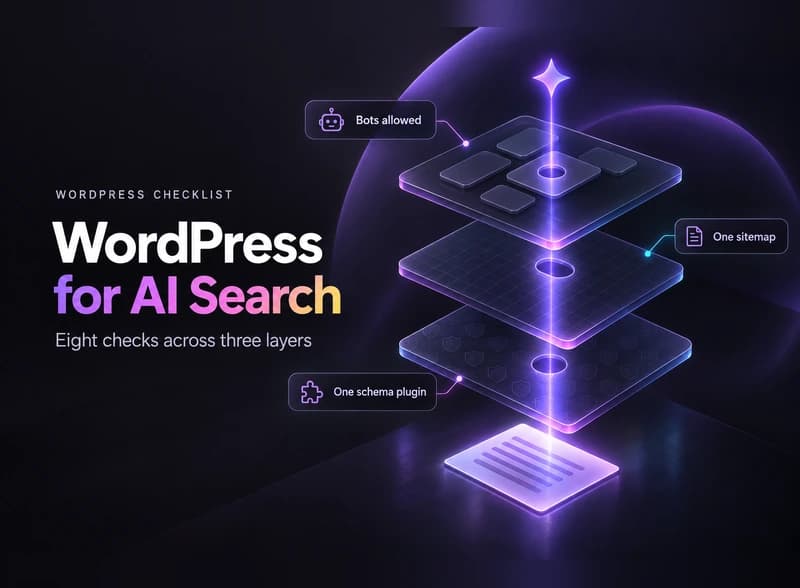
Optimize WordPress for AI search in 8 checks: the Reading setting, robots.txt, bot-blocking hosts, one schema plugin, page builders, sitemaps and llms.txt.
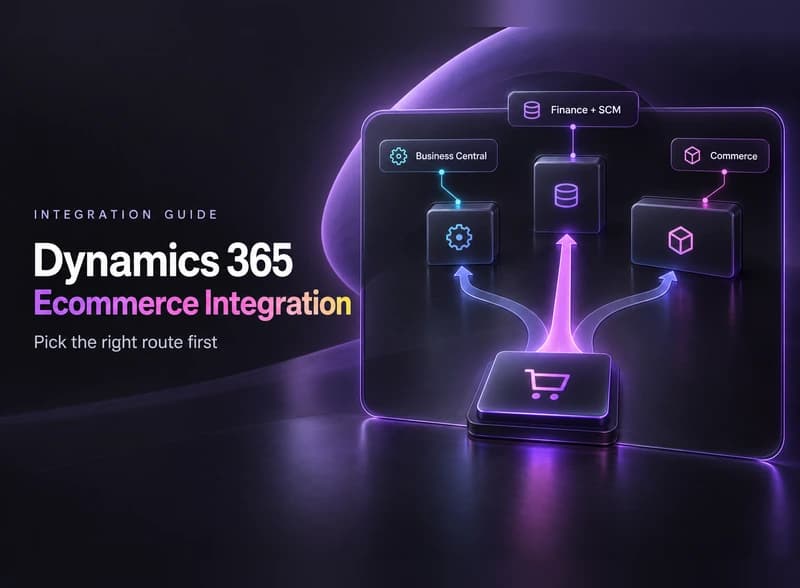
Dynamics 365 ecommerce integration, step by step: find out which Dynamics 365 you run, pick a connector or custom API, plan for API limits and test first.